
New
Gus is on Telegram now
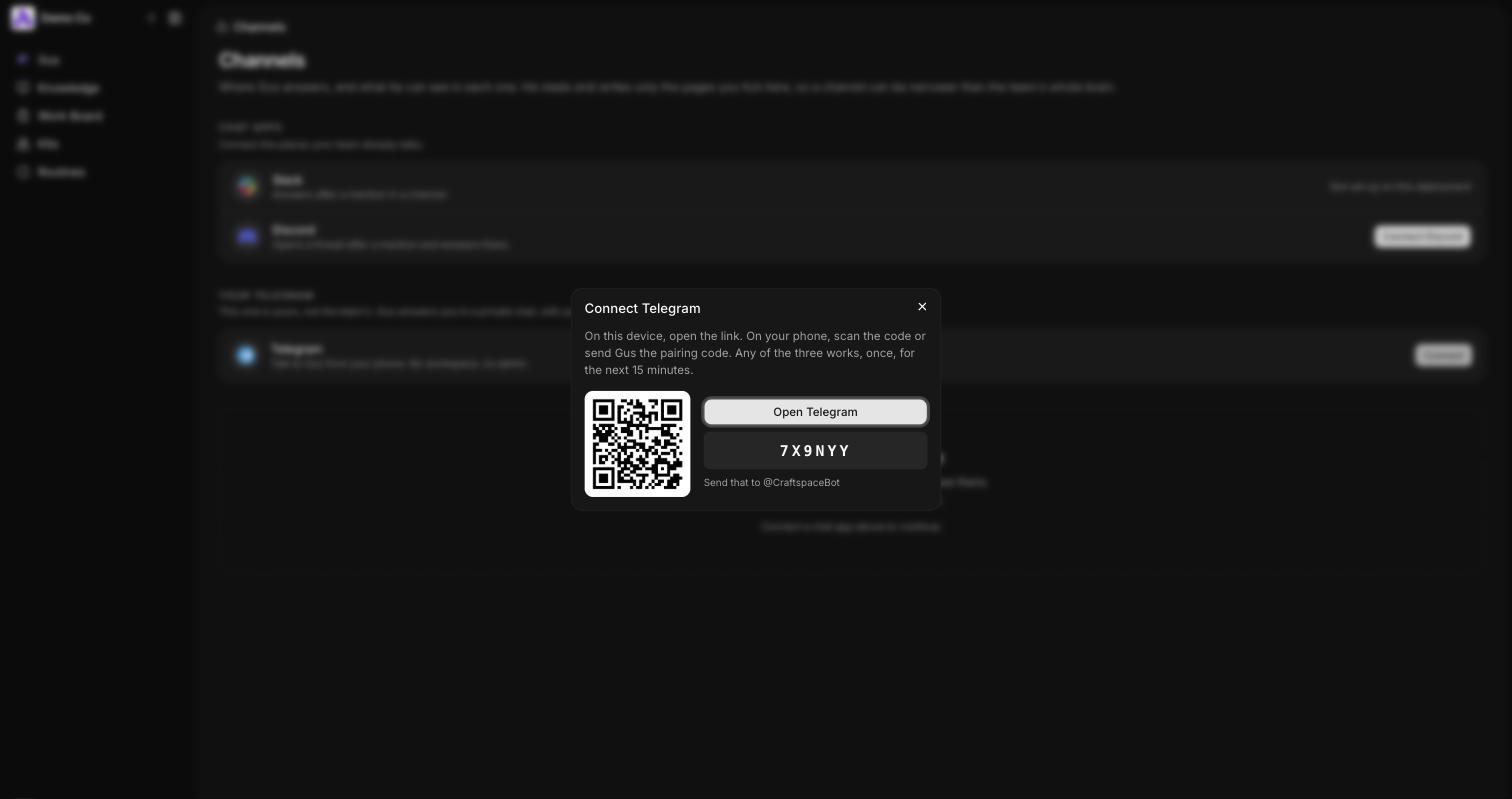
Press Connect, then scan the code or type it into Telegram, and Gus answers you there. It is your own chat, not the team’s, so he brings your spaces and the apps you have connected. Send him screenshots, PDFs or voice notes and he reads them, and type clear whenever you want to start a new conversation.